
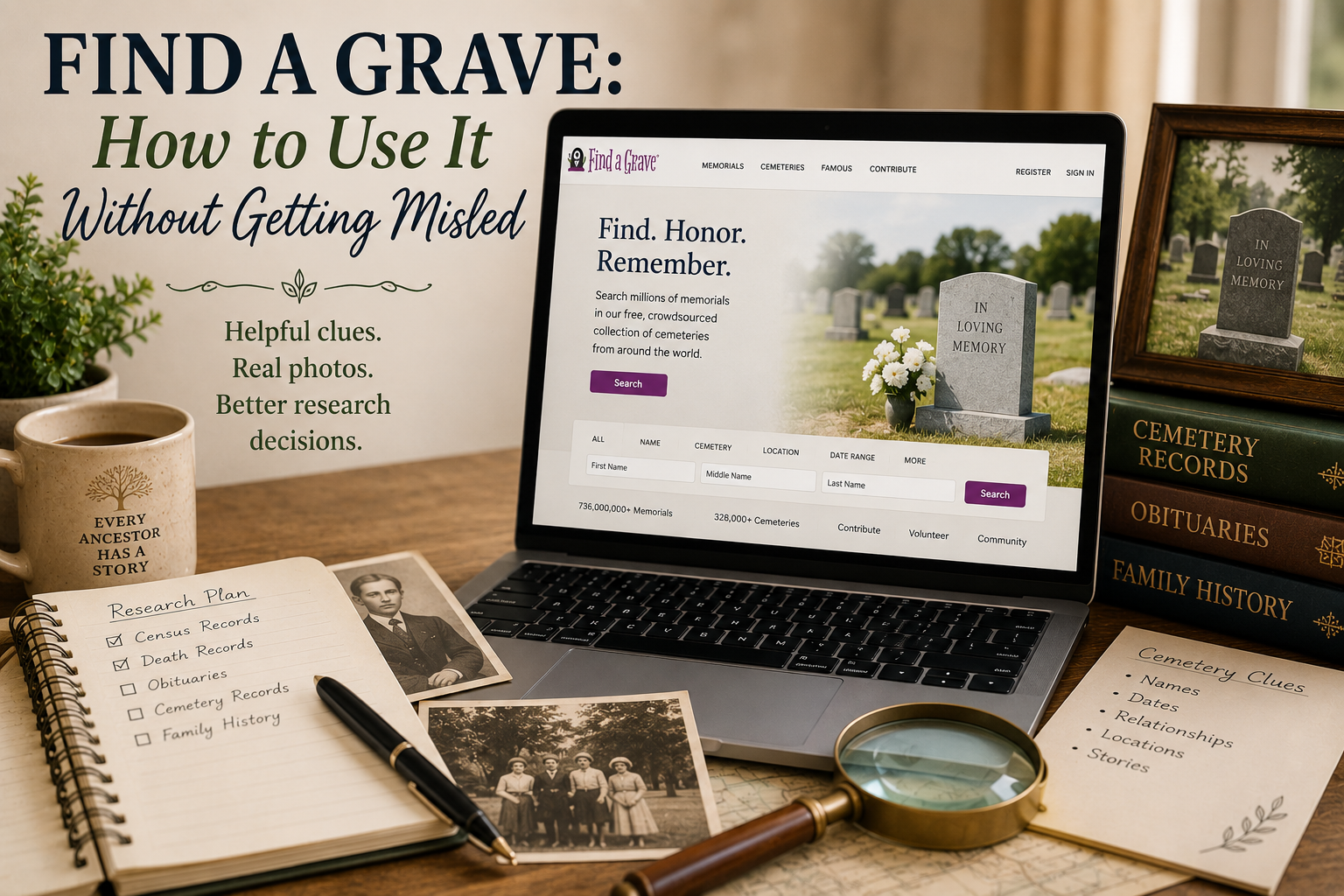
Find a Grave: How to Use It Without Getting Misled
Find a Grave can be a wonderful genealogy tool. It can help you find burial places, gravestone photos, family links, birth and death dates, cemetery names, and sometimes even biographical notes. It can also confidently hand you the wrong person if you are moving too fast.
That does not mean you should avoid it. Find a Grave is useful. Very useful. But like many genealogy tools, it works best when you treat it as a clue source, not a final answer with a tiny crown.
The trick is knowing what Find a Grave can help you with, what it cannot prove by itself, and when you need to check other records before adding information to your family tree.
What Is Find a Grave?
Find a Grave is a large cemetery record website where people can search for graves, memorials, cemeteries, gravestone photos, and burial information. The site describes itself as a large gravesite collection where users can contribute, create, and discover gravesites from around the world.
Many memorial pages are created and updated by volunteers or contributors. A memorial may include:
- Name
- Birth date
- Death date
- Burial place
- Gravestone photo
- Family links
- Short biography
- Obituary information
- Flowers or notes left by visitors
Some memorials are very well documented. Others are incomplete, unsourced, or based on information copied from somewhere else. In other words, Find a Grave is helpful, but it still needs a chaperone.
Why Find a Grave Is Helpful for Beginners
Find a Grave can be especially helpful when you are trying to confirm where someone is buried or when you are looking for death-related clues.
A memorial may help you discover:
- The cemetery where an ancestor is buried
- A spouse’s name
- Possible parents or children
- Military service clues
- Maiden names
- Birth and death years
- Nearby relatives buried in the same cemetery
Sometimes one gravestone photo can open a whole new branch of research. Other times it opens a door labeled “maybe,” and behind that door is a hallway full of people named William.
Start With the Gravestone Photo
If a memorial includes a gravestone photo, look at the photo itself before trusting the typed information on the page.
The gravestone may confirm:
- Name spelling
- Birth year or date
- Death year or date
- Spouse relationship
- Military service
- Inscription details
But remember, even gravestones can contain mistakes. A gravestone was often created after death by someone else, and that person may not have known every detail perfectly.
Still, a photo of the actual marker is usually stronger than typed information with no explanation.
Do Not Trust Family Links Automatically
Find a Grave memorials often link people to parents, spouses, and children. These links can be very helpful, but they are not always proven.
A contributor may have linked family members based on records, cemetery placement, an obituary, another tree, or a good guess. Sometimes the links are correct. Sometimes they are family-tree spaghetti with confidence.
Before accepting a family link, ask:
- Is there a source listed?
- Does the gravestone mention the relationship?
- Does an obituary support the connection?
- Do census records show this family together?
- Do the dates make sense?
- Could this be another person with the same name?
Family links are clues. Useful clues, yes. But still clues.
Watch Out for Same-Name Confusion
Find a Grave can be tricky when several people share the same name. This is especially common with older families, large counties, and popular names.
If you are looking for Mary Johnson, John Brown, William Miller, or Sarah Smith, proceed carefully and maybe stretch first.
Compare:
- Birth and death dates
- Cemetery location
- Spouse name
- Children listed
- Nearby relatives
- County and state
- Other records you already have
If the cemetery is in the right county and the spouse matches, that is promising. If the name is right but the family, dates, and location are all wrong, back away slowly. The wrong ancestor is trying to look friendly.
Use Cemetery Location as a Clue
A burial place can tell you a lot. Families were often buried near relatives, neighbors, church communities, or long-time homeplaces.
When you find an ancestor on Find a Grave, look at the cemetery page too. Search the same cemetery for the surname you are researching.
You may find:
- Parents
- Siblings
- Spouses
- Children
- In-laws
- Neighbors who appear in census records
Nearby burials can be very helpful, especially when records are sparse. Just be careful not to assume everyone with the same surname in the cemetery is automatically related. Cemeteries are helpful, but they are not family reunion guest lists.
Check the Dates Carefully
Dates on Find a Grave can come from the gravestone, an obituary, a death certificate, another contributor, or another online source. Sometimes the memorial makes the source clear. Sometimes it does not.
If the gravestone photo only shows years, but the memorial lists exact birth and death dates, ask where those exact dates came from.
Look for supporting records such as:
- Death certificates
- Obituaries
- Church burial records
- Cemetery office records
- Funeral home records
- Probate records
Exact dates are wonderful. Unsourced exact dates are still clues wearing nice shoes.
Read Biographies With Care
Some Find a Grave memorials include short biographies. These can be very helpful, especially when they include family details, military service, migration information, or obituary text.
But biographies may contain mistakes. They may be copied from family trees, old notes, obituaries, or contributor research.
Use biographies to create a list of things to check:
- Names of parents
- Names of spouses
- Children
- Places lived
- Military service
- Church membership
- Occupation
Then look for records that support those details. A biography can be a wonderful clue trail, but you still have to follow the trail instead of setting up camp at the first sentence.
Look for Obituary Clues
Find a Grave memorials sometimes include obituary information or details taken from an obituary. Obituaries can be very useful because they may name relatives, places, churches, military service, occupations, and burial details.
But remember: obituaries can also contain errors. Names may be misspelled, ages may be wrong, and relationships may be simplified.
If a memorial mentions an obituary, try to find the actual obituary if possible. It may give you more details and help you check whether the memorial information was copied accurately.
Save the Memorial, But Cite What You Actually Saw
When you use Find a Grave, be clear in your notes about what the memorial actually proves.
For example, if you saw a gravestone photo showing a name and death year, write that down. If the memorial also lists parents but does not show a source, label those parents as a clue, not a confirmed fact.
A simple note might say:
Find a Grave memorial includes a gravestone photo for Martha Wilson showing death year 1912. Memorial also lists parents as John and Sarah, but no source is shown for that relationship.
That kind of note keeps your research honest and saves future-you from yelling, “Where did I get this?” into the void.
When Find a Grave Is Not Enough
Find a Grave is often a good starting point, but it should not be the only record you use for an ancestor’s death or family relationships.
Try to confirm important details with other records when possible, such as:
- Death certificates
- Obituaries
- Cemetery office records
- Church burial records
- Probate records
- Funeral home records
- Newspaper notices
The goal is not to distrust everything. The goal is to understand what each source can and cannot prove.
Final Thoughts
Find a Grave is a valuable genealogy tool, especially for burial clues, gravestone photos, cemetery locations, and possible family connections. It can help you find leads that would be hard to discover elsewhere.
But use it carefully. Check the gravestone photo, compare family links, watch for same-name confusion, and confirm important details with other records whenever you can.
Find a Grave can point you in the right direction, but it should not drive the whole family tree bus. Let it give you clues, then put on your Relative Detective hat and verify them.
Source note: Find a Grave describes itself as a large gravesite collection where users can contribute, create, and discover gravesites from around the world. FamilySearch also describes the Find a Grave Index as an expansive family history database of records and images from cemeteries, while noting that its own index provides limited data and that users should visit Find a Grave for the richer memorial experience.