Internet Archive: A Hidden Treasure Chest for Family History
Internet Archive is one of those genealogy tools that can feel like opening an old attic trunk and finding books, maps, newspapers, yearbooks, local histories, and a few mysterious things nobody remembers putting there.
It is not always the first website beginners think of when researching family history, but it can be incredibly useful. Internet Archive is a nonprofit digital library that offers free access to digitized materials such as books, texts, audio, video, archived websites, and other historical collections.
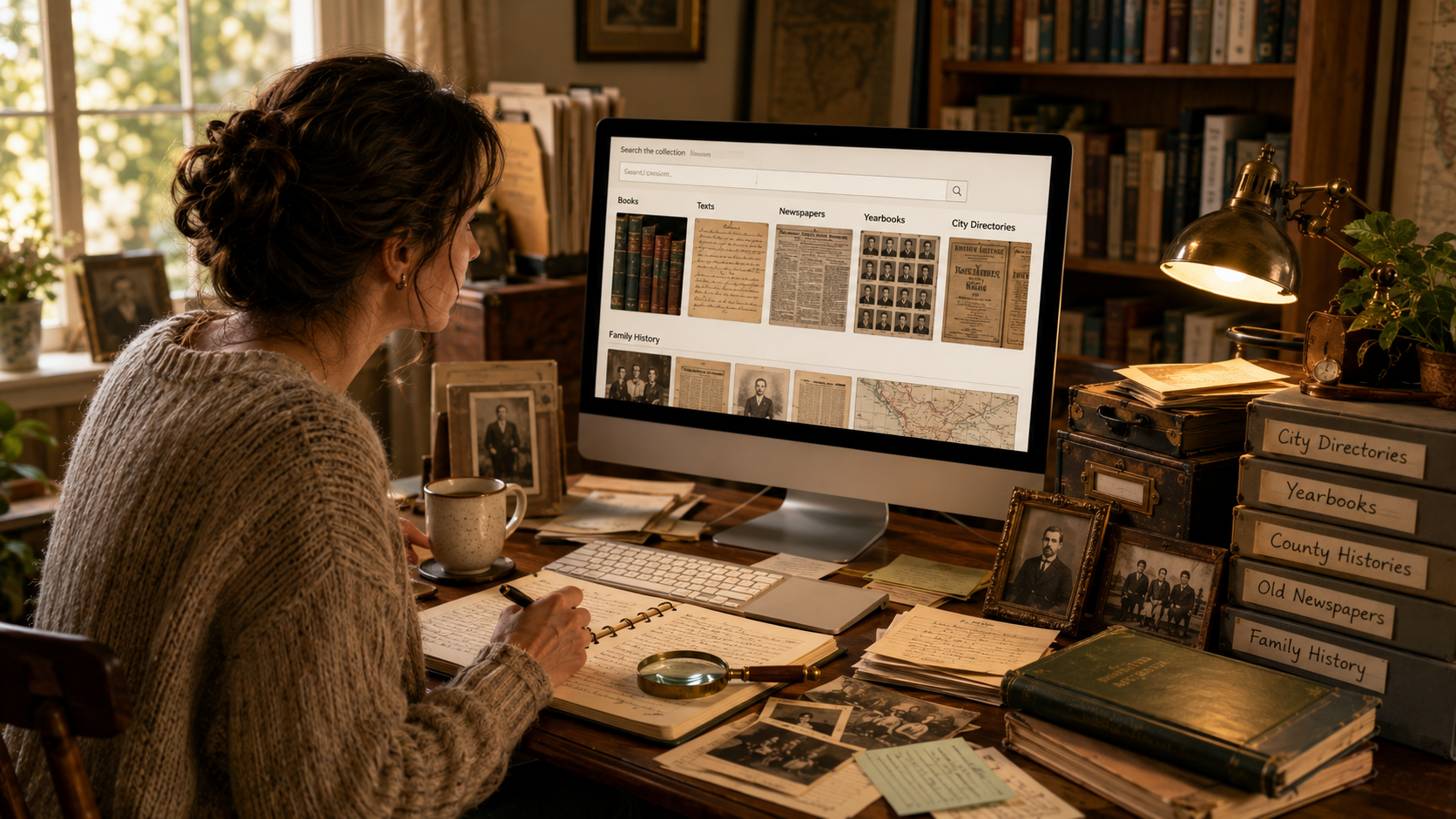
For genealogy, that means it can help you find old county histories, family histories, city directories, school yearbooks, church publications, local books, maps, and other records that may not show up in a regular family tree search.
What Is Internet Archive?
Internet Archive is a nonprofit digital library at Archive.org. It was founded to build an internet library and provide long-term access to digital historical collections for researchers, historians, scholars, and the public.
The site includes many kinds of digital materials, including:
- Books and texts
- Archived websites
- Old audio recordings
- Videos and films
- Images
- Software collections
- Community-uploaded materials
For family history, the books and texts section is often the most useful place to start. That is where you may find digitized local histories, surname books, record transcriptions, and other research gems.
Why Internet Archive Is Useful for Genealogy
Genealogy is not only about birth, marriage, death, and census records. Sometimes the best clues come from context.
Internet Archive may help you learn:
- What a town was like when your ancestor lived there
- Which families were mentioned in a county history
- Whether a surname appears in an old local book
- Where churches, schools, or neighborhoods were located
- What businesses or organizations existed in a community
- How an ancestor’s town changed over time
Sometimes you will not find your exact ancestor. But you may find the neighborhood, church, regiment, school, or community that surrounded them. That kind of context can turn a plain name on a record into a real person living in a real place.
Search for County and Town Histories
County histories can be very helpful for genealogy. Many were published in the late 1800s and early 1900s, and some include family sketches, town histories, church histories, business information, military lists, and biographies of local residents.
Try searches like:
- Erie County New York history
- Bristol County Massachusetts history
- History of Montgomery County Ohio
- Town history Dartmouth Massachusetts
If your ancestor lived in that place, a county or town history may mention the family directly, or it may explain the community they lived in.
Just be careful. Older local histories can contain mistakes, family legends, and very enthusiastic claims. Use them as clues and background, not automatic proof.
Look for Family History Books
Internet Archive has many digitized family history and genealogy books. Some focus on one surname, one family line, or descendants of a specific ancestor.
Search by surname and words like:
- genealogy
- family history
- descendants
- ancestry
For example:
- Cooke genealogy
- Hammond family history
- Rogers descendants
- Warren ancestry
These books can be exciting, but they should still be checked. A printed genealogy is not automatically correct just because it looks old and important. Old mistakes also wore fancy fonts.
Use the “Search Inside” Feature
One of the most useful features on Internet Archive is the ability to search inside many digitized books.
If you open a book, look for the search option within that item. Try searching for:
- Your ancestor’s surname
- A full name
- A town name
- A spouse’s surname
- A church name
- A military unit
This can save you from flipping through hundreds of pages by hand. Your eyes and your coffee cup will both appreciate that.
Search for City Directories
City directories can help you track people between census years. They may list a person’s name, address, occupation, spouse, workplace, or whether someone had recently died.
Try searches like:
- Buffalo city directory 1905
- Syracuse city directory 1912
- Rochester New York directory 1890
- Boston city directory 1885
If you are trying to follow a family through time, directories can be extremely useful. They can help show when someone moved, changed jobs, appeared in a city, or disappeared from one.
Look for Yearbooks and School Publications
Internet Archive includes many digitized yearbooks and school publications. These can be helpful if you are researching more recent generations or trying to find photos, school activities, clubs, or graduation information.
Search for:
- School name
- Town name plus “yearbook”
- College name plus your surname
- High school name and year
Yearbooks can add personality to your research. They may show a photo, a club, a sport, a nickname, or a tiny teenage expression that says, “Please do not let my descendants find this haircut.”
Use the Wayback Machine for Old Websites
Internet Archive also runs the Wayback Machine, which preserves archived versions of websites. This can be helpful if a genealogy website, local history page, cemetery project, or family history site disappeared from the live internet.
If you have an old link that no longer works, try pasting it into the Wayback Machine. You may be able to view an earlier saved version of the page.
This can be useful for:
- Old genealogy pages
- Local history websites
- Cemetery transcription projects
- Archived society pages
- Old resource lists
It will not save everything, but when it works, it feels like finding a missing page in the family history attic.
Try Different Search Terms
Searching Internet Archive can take a little experimenting. If one search does not work, try another version.
Search by:
- Full name
- Surname only
- County name
- Town name
- State abbreviation and full state name
- Church name
- School name
- Record type
For example, if William Hammond genealogy does not find much, try Hammond family, Hammond descendants, or the town or county where the family lived.
Internet Archive search can be a little quirky. It is less like asking a tidy librarian and more like asking a very helpful librarian who lives in a basement full of boxes. Useful, but you may need to rephrase.
Check the Publication Date
Always look at when a book or item was published. Older books can be valuable, but they may not include later research, corrections, or newer discoveries.
If you find a family genealogy published in 1895, it may contain wonderful clues. It may also contain assumptions that later records can correct.
Write down the publication date in your notes, especially if you are using the book as a source or clue.
Save the Link and the Details
When you find something useful, save more than just the page link.
Write down:
- Title of the book or item
- Author or creator, if listed
- Publication date
- Page number
- What you found
- The Internet Archive link
A simple note might look like this:
Found mention of the Thompson family in History of Erie County, New York, page 214, Internet Archive. Need to compare with census and probate records.
That kind of note is much better than “found something somewhere,” which is how genealogy chaos gets invited to dinner.
What Internet Archive Is Best For
Internet Archive is especially helpful for:
- County and town histories
- Old genealogy books
- City directories
- Yearbooks
- Local history publications
- Old maps and books
- Archived websites through the Wayback Machine
It is not always the best place for indexed birth, marriage, death, or census searching. For that, you may use sites like FamilySearch, Ancestry, state archives, or local record collections.
But for background, context, and hidden printed materials, Internet Archive can be a treasure chest.
Final Thoughts
Internet Archive is one of the most useful free tools for family history research, especially when you are looking for old books, county histories, city directories, yearbooks, and archived websites.
Use it to search beyond names and dates. Look for places, communities, churches, schools, and family surnames. Save what you find, write down page numbers, and check important claims against records whenever possible.
It may take a little digging, but that is part of the fun. Internet Archive is a treasure chest. You may not find gold every time, but you will definitely find something dusty, interesting, and possibly related to your ancestors.
Source note: Internet Archive describes itself as a nonprofit digital library offering free access to texts, movies, music, and archived web pages. Its About page describes the organization as a 501(c)(3) nonprofit founded to build an internet library and provide long-term access to digital historical collections.