How to Keep Track of Genealogy Clues Before the Paper Pile Wins
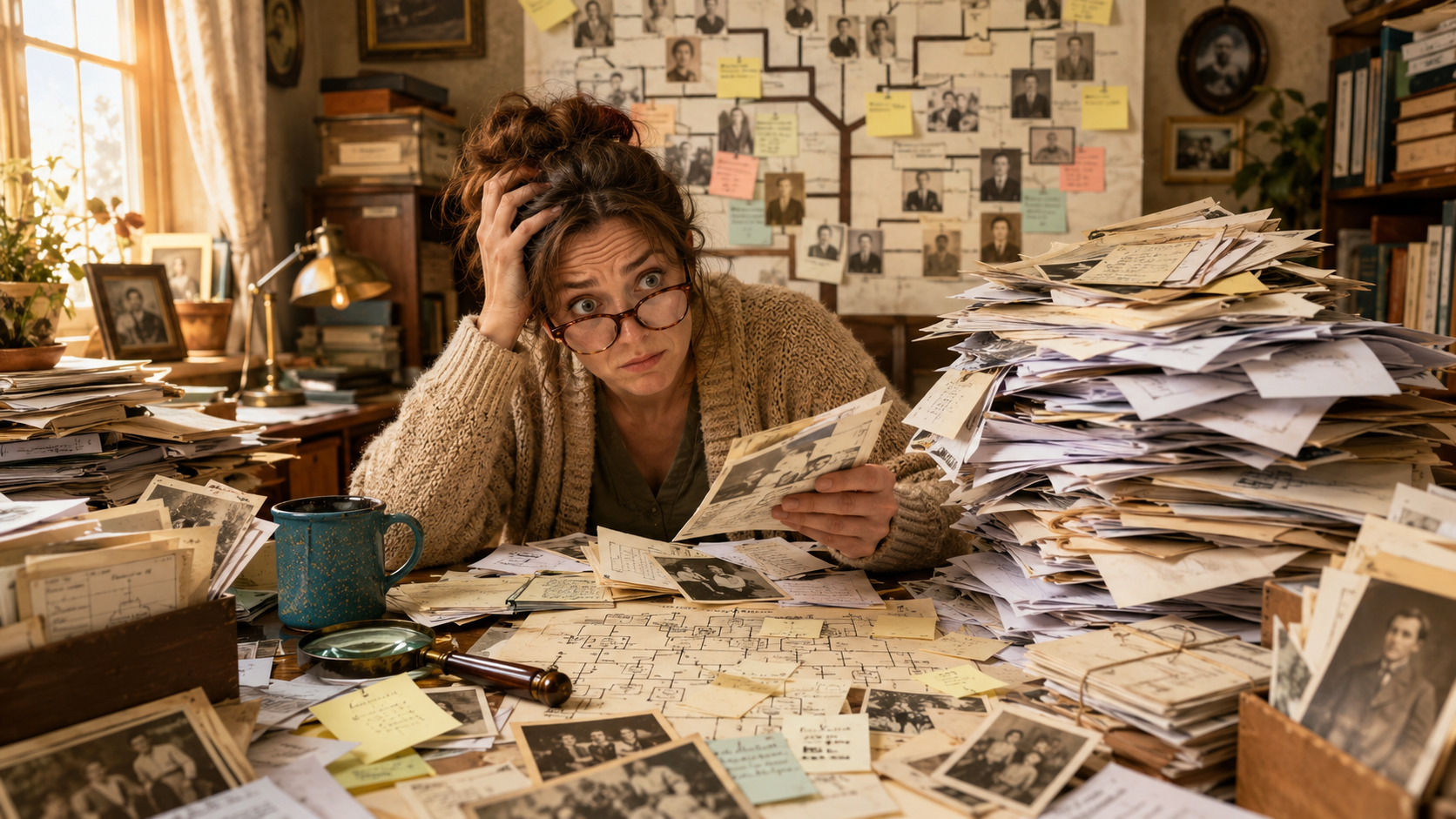
Genealogy starts out innocently enough. You find one census record, jot down one name, save one photo, and suddenly your desk looks like a paper tornado had a family reunion.
The good news is that you do not need a complicated system to keep track of genealogy clues. You just need a simple way to save what you found, where you found it, and what you still need to check.
Because if there is one thing genealogy teaches us, it is this: “I’ll remember where I found that” is one of history’s most dangerous lies.
Why Genealogy Clues Get Messy So Fast
Family history research creates a lot of little pieces. Names, dates, places, screenshots, records, notes, possible matches, family stories, and suspiciously confident online trees all start piling up quickly.
One clue leads to another. Then another. Then you have 27 browser tabs open and no idea why you were originally looking for a marriage record in Ohio.
This is normal. It does not mean you are bad at genealogy. It means genealogy is doing what genealogy does best: handing you one useful clue and six new questions.
Start With One Simple Research Notebook
You do not need a fancy system to begin. A regular notebook, digital document, spreadsheet, or note-taking app can work. The best system is the one you will actually use.
For each clue, write down:
- Who the clue is about
- What you found
- Where you found it
- The date or year of the record
- What question it answers
- What you still need to check
Keep it simple. You are not building a government archive. You are just trying to stop your genealogy notes from staging a rebellion.
Use a Clue Log
A clue log is a simple list of things you have found while researching. It helps you keep track of ideas before they turn into loose sticky notes on every surface you own.
Your clue log can be as simple as this:
- Date found: May 15, 2026
- Person: Sarah Miller
- Clue: Possible 1880 census record in Ohio
- Source: FamilySearch census result
- Notes: Husband listed as Thomas; children match known names
- Next step: Check marriage record and compare birthplaces
That is enough. You do not need a perfect format. You just need enough information to understand what you found later.
Separate Facts From Maybe-Clues
Not every clue is a fact yet. This is where many family trees get messy.
A fact is something supported by a reliable record or strong evidence. A clue is something that might be useful but still needs checking.
For example:
- Fact: The 1900 census lists John Brown living in Erie County, New York.
- Clue: An online tree says his parents were William and Anna Brown.
- Guess: He must be the same John Brown who appears in another county because the name matches.
Keep these separated in your notes. Your future family tree will be much cleaner, and your future self will not have to perform a full detective interrogation on your own research.
Name Your Files Clearly
If you download records, screenshots, or photos, give them names that actually mean something.
A file named this:
download-47.jpg
is not helpful.
A file named this:
1900-census-john-brown-erie-county-ny.png
is much better.
Good file names can include:
- Year
- Record type
- Ancestor’s name
- Location
Your computer folders should not feel like a mystery novel where every chapter is called “Scan001.”
Create Simple Family Folders
A basic folder system can make a big difference. You can organize by surname, family line, or record type.
For beginners, surname folders often work well:
- Brown Family
- Miller Family
- Thompson Family
- Cooke Family
Inside each folder, you can add subfolders like:
- Census Records
- Birth Marriage Death
- Photos
- Obituaries
- Notes
Do not make the system too complicated. If it takes six clicks and a prayer candle to save one census record, you will not keep using it.
Keep a “To Check” List
Genealogy research creates a lot of unfinished questions. Instead of trying to chase every clue immediately, keep a simple “To Check” list.
Examples:
- Find Sarah Miller in the 1870 census.
- Check whether James Miller had a second marriage.
- Look for Mary’s death certificate.
- Compare the two John Browns in Erie County.
- Search for an obituary for Anna Thompson.
This helps you stay focused. Otherwise, one clue can drag you across three states, two centuries, and a completely unrelated family named Henderson.
Save the Record and the Reason
When you save a genealogy clue, also write down why you think it matters.
For example, do not just write:
Found 1880 census.
Write:
Found possible 1880 census for Sarah Miller. Husband and children match known family. Birthplace is different from later records, so this needs more checking.
That little note can save you a lot of confusion later. It tells you what looked promising and what still needs proof.
Do Not Save Everything Forever
This may sound shocking, but not every clue deserves permanent VIP treatment.
If you find a record that clearly belongs to a different person, make a note if needed, but do not let it clutter your main family folder forever.
You can keep a small “Not My Person” note if it helps, especially for common names. That way you remember you already checked that record and ruled it out.
Genealogy organization is not just about keeping things. It is also about knowing what not to keep in the main pile.
Final Thoughts
Keeping track of genealogy clues does not have to be complicated. Start with a simple clue log, name your files clearly, organize records into basic folders, and keep a running list of what to check next.
The goal is not perfection. The goal is being able to find your own research again without needing a search party.
A little organization now can save you a lot of confusion later. Your ancestors may have left messy records, changing names, and mysterious birthplaces, but your notes do not have to join the chaos.